Guides
How to make a 360° virtual tour
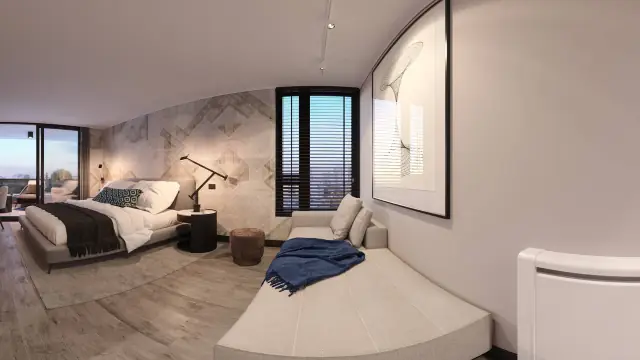
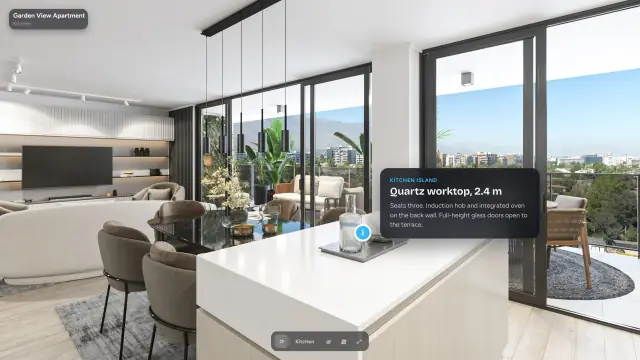
How to make a 360° virtual tour, step by step: shoot or render a 360° image in every room, upload the 2:1 files, link the rooms, and share one link.
Guides
Short, practical notes on 360° tours — rendering projects, choosing a resolution and getting the most out of a link.
How to make a 360° virtual tour, step by step: shoot or render a 360° image in every room, upload the 2:1 files, link the rooms, and share one link.
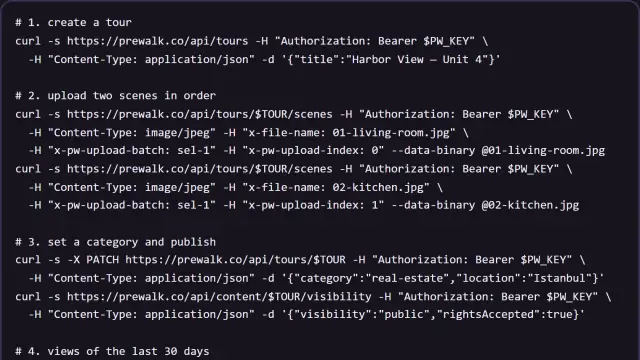
The Enterprise API: authentication and scopes, tours, scene uploads, publishing, projects, statistics, webhooks with signed deliveries, error codes and a worked example.
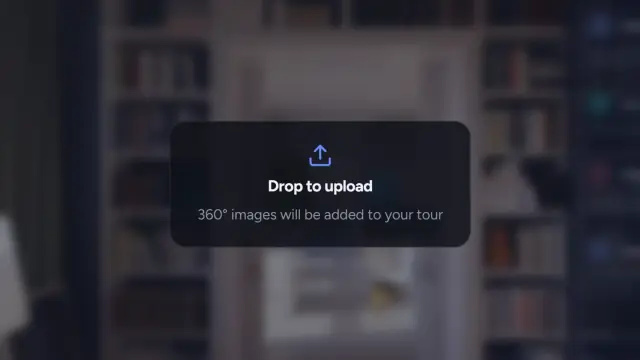
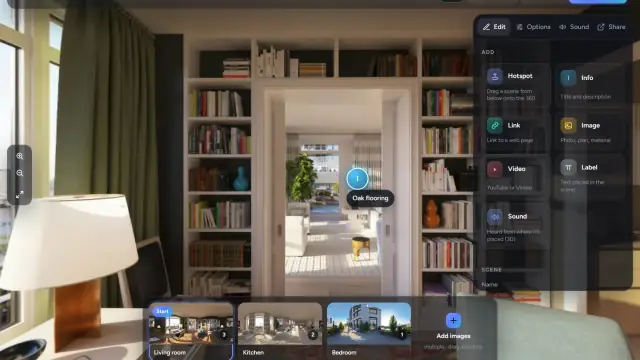
Create a project, drop in your 360° images, link the rooms, publish and share one link. Every step with the exact buttons, in about ten minutes.
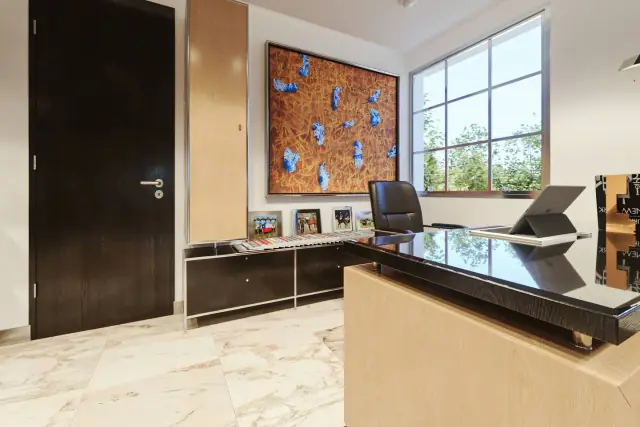
Camera height, HDR, the doorway shot, file naming and the right export. A shot list for a two-bedroom flat you can finish in twenty minutes.
An honest answer. Some phone apps save a full 2:1 sphere that Prewalk accepts, but stitching seams and soft detail show when buyers zoom.
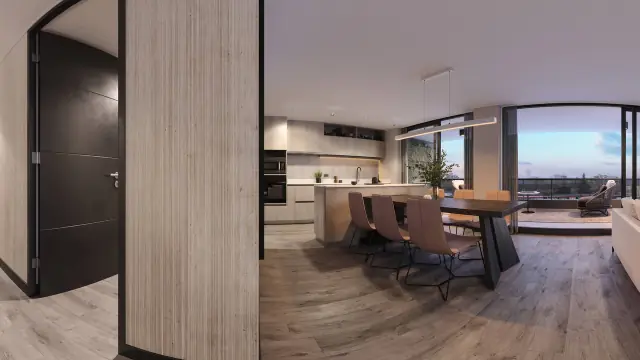
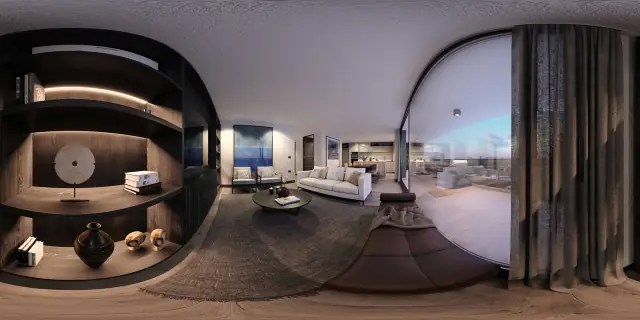
Camera type spherical, output 2:1, 8K or 16K, top-bottom stereo for VR. The one setting to change in Blender, V-Ray, Corona, Lumion, Enscape, Twinmotion and D5.
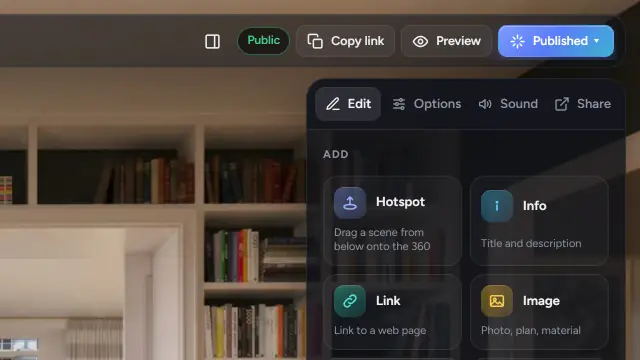
Hotspots are one-way, so every doorway needs two. Where to drop them, the six shapes, the four transitions, and why the opening view is also your cover.
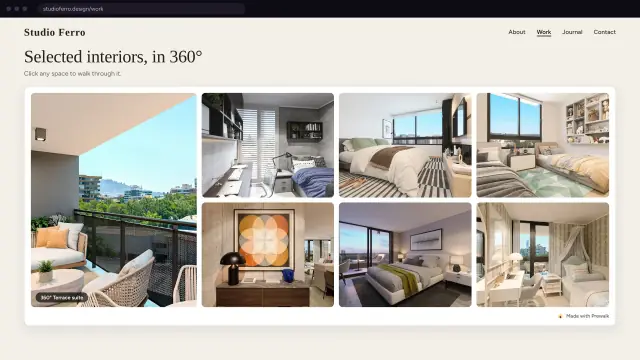
Copy the code from the Share tab and paste it into WordPress, Wix, Squarespace, Webflow or plain HTML. When to use Fixed height, and what the Prewalk line is.
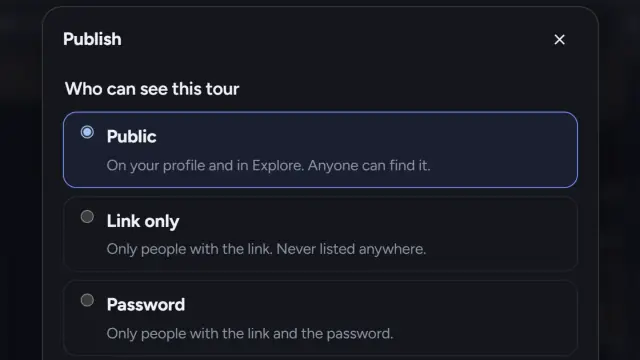
Where a public tour appears, what link-only hides, how password protection works, and what happens to likes, comments and credits when you unpublish.
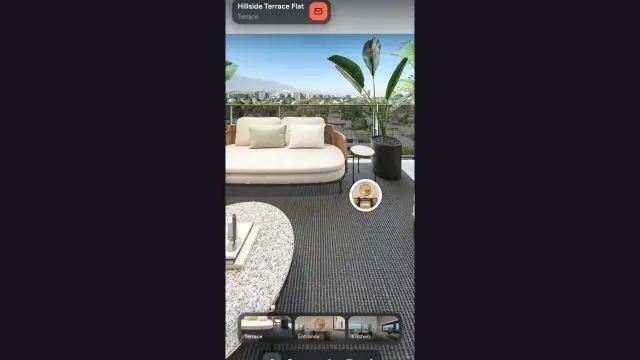
For visitors: drag to look around, tap a ring to walk, use the strip to jump between rooms, turn your phone to look, and open the tour in VR on a Meta Quest.
Image formats and sizes for the Gallery, how order and the cover work, captions and alt text, and how to make a floor plan with pins that open the right room.
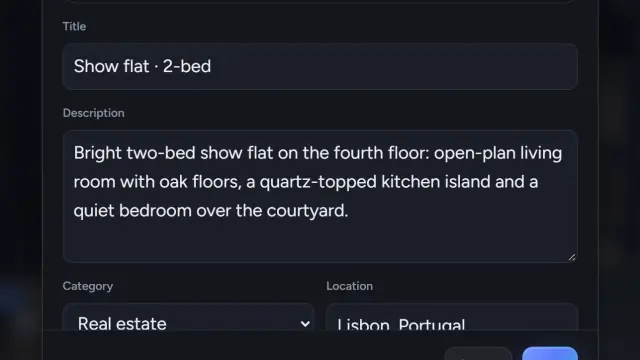
A title pattern that reads well in Explore and search, what belongs in the description, which category to pick, and how tags and location get their own pages.
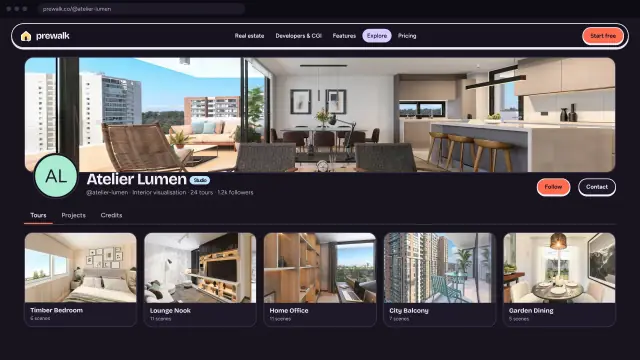
Avatar, a 360° cover, a 300-character bio you can write in five minutes, your website, three pinned works, and how Explore and badges show your profile.
Which of the two links to send, how the preview image appears on WhatsApp and LinkedIn, putting the link on a portal, and how big to print the QR code.
When to create a company account, the three roles, inviting members, what Working as means, why content stays with the company, and brand profiles on Office.
Which MP4 files a project accepts, export presets for HandBrake, Premiere and Resolve, and how project videos differ from the YouTube card in a tour.
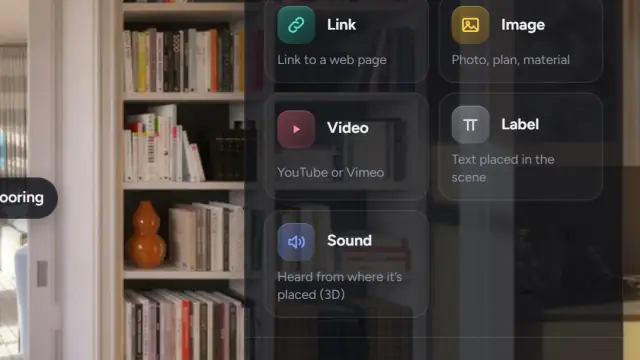
The five content items in the palette, how to place and edit them, when to use an info point instead of a label, and which ones show in shared tours on Free.
How to credit the people behind a project, what the tagged person sees, how accepted credits fill a Credits tab, and why private work stays silent.
A scene count by home size, the hallway and doorway rule, and a twenty-minute shoot plan for a two-bedroom flat.
The upload says "must be 2:1 equirectangular". Here are the seven exports that cause it, how to recognize each from the file, and the fix.
A 3D scan measures the building. A 360° tour shows it. When a photo tour is enough, when a scan is the right tool, and what each costs in time.
Three price tiers, the four features that matter for listings, and the things that look like a 360° camera but aren't enough.
A quick, plain-language look at how a 360° panorama becomes a walkable tour you can share with one link.
Where a 360° architectural render actually comes from, and what output your renderer needs to produce to become a walkable tour.
Higher resolution means more detail when someone zooms in, but only if the tour can still open fast. Here's how to think about it.
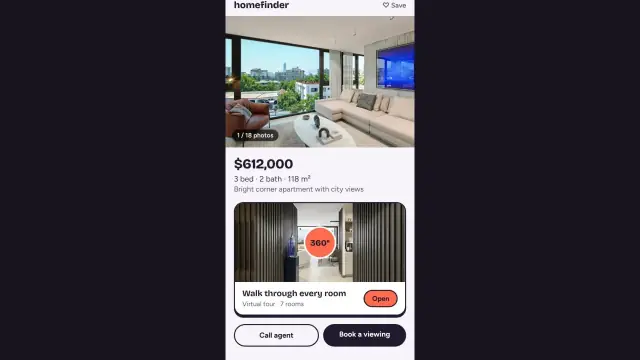
Why developers and sales offices use a 360° tour to let buyers walk an apartment, the common areas and the view before the building exists.
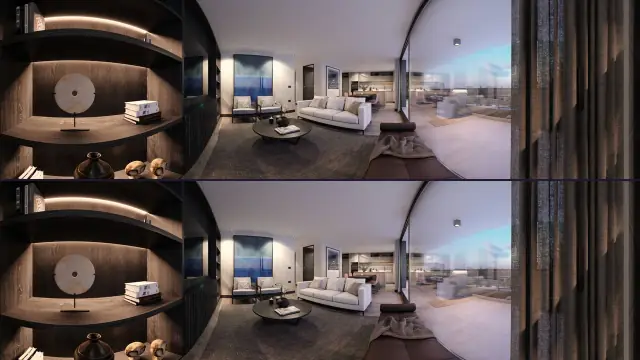
A short explainer on top-bottom stereo 360° renders, what they're for, and how Prewalk shows them in VR.
Start free, or request a demo — we’ll reply by email to set up a 30-minute live demo.