360° virtual tours for real estate
 360° virtual tours for real estate
Let buyers walk in first.
Prewalk is 360° virtual tour software for real estate and architecture. It turns 360° photos and 3D renders into tours buyers walk room by room from one link, in the browser on phones, computers and Meta Quest.
Free to start · Pro from $15/mo, billed yearly
Developer or CGI artist? See how Prewalk works with 360° renders
For real estate agents
Want buyers who’ve already walked every room?
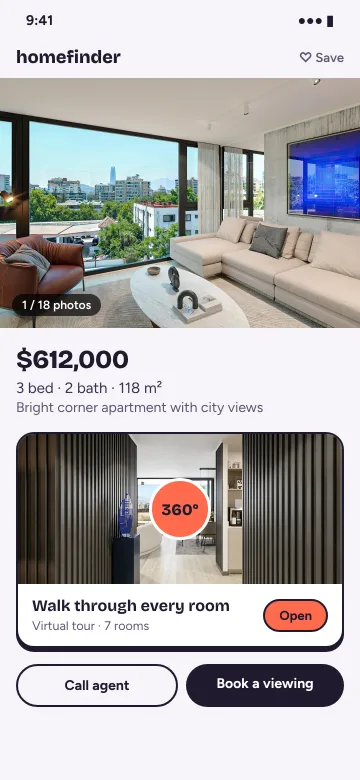
Buyers can walk the home from your listing whenever they like, and come to a showing already knowing the layout, the light and the finishes.
Room to room, like a real visit
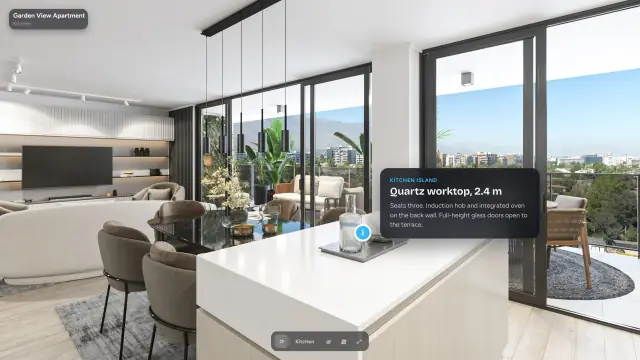
Buyers move through the home on their phone the way they would in person — before they ever book a showing.
One link, anywhere you post
Paste it into your listing, a WhatsApp message or an email — on WhatsApp and LinkedIn it shows a preview image. Or embed it on your own website.
“Get in touch”
On Pro and above, buyers reach you from inside the tour and from your portfolio, projects and embeds — by message, or on WhatsApp and by phone if you add your business number.
From Pro: your logo on your tours
Your logo sits on the tour and the Prewalk badge disappears.


How it works
Shoot, connect, share.
Nothing to install. Drop the photos in, drag the rooms together, publish.
Drop your photos in
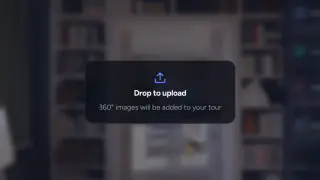
Take a 360° photo in each room and drop them all into the studio at once. Rooms open as they’re ready; full resolution follows in the background.
Connect by dragging
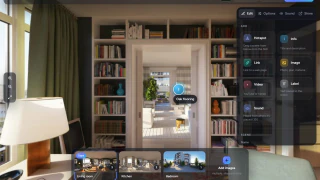
Drag a room from the strip onto the 360° view and the transition point lands where you drop it. Info points, labels and your logo go on the same way.
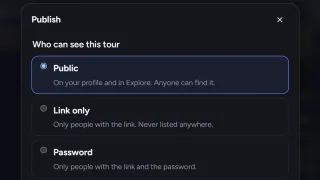
Publish in one click
Choose public, link-only or password and press Publish. You get one link that opens in any browser, an embed for your website and a QR code for print.

- 59 sfrom sign-up to the studio
- 25 suntil 8 rooms are on screen
- 3 suntil the first room opens on a phone
Measured on 22 October 2026 with eight 5.7K photos on a single server. We measure again at launch.
Features
What every tour does
Transition points
Six shapes: ring, arrow, chevron, thumbnail, label and dot. On a computer, hover to preview the next room.
Info points
Pin a note, a link or a label to the kitchen island, the fireplace or the view. On Pro and above, image and video cards show in shared tours too.
Room names & scene strip
Every room has a name and a thumbnail along the bottom, for jumping straight to the bedroom or the balcony.
Opening view
Choose which way each room faces when it opens. Walk in through a transition point and you arrive facing the way you walked.
Tilt to look
On a phone, turn the device to look around the room. On Pro and above, a compass shows which way you’re facing.
VR in the browser
Open the tour on a Meta Quest, on every plan. On Pro and above, upload top-bottom stereo renders for real 3D depth.


Portfolio
Your 360 portfolio — share a link, or embed it on your website
Every Prewalk account has a public portfolio at prewalk.co/@username. Share it with a link, or embed it on your own website.
Projects
Bring your 360° tours, renders and photos together on one project page. Add a floor plan and pin each room to its 360° view.
Embed & share
Embed your portfolio, a project or a single tour on your website — new work appears there automatically, and a project embed includes its floor plans. Links preview with a cover image on WhatsApp and LinkedIn.
Explore
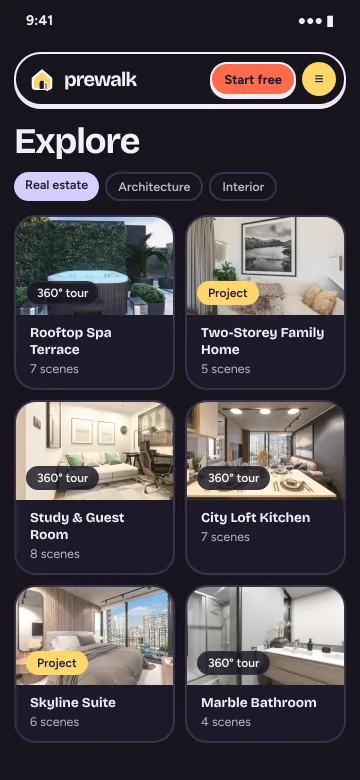
Public tours and projects appear in Explore by category, tag and location. No account needed to browse.


For developers & CGI artists
Walk it before it’s built.
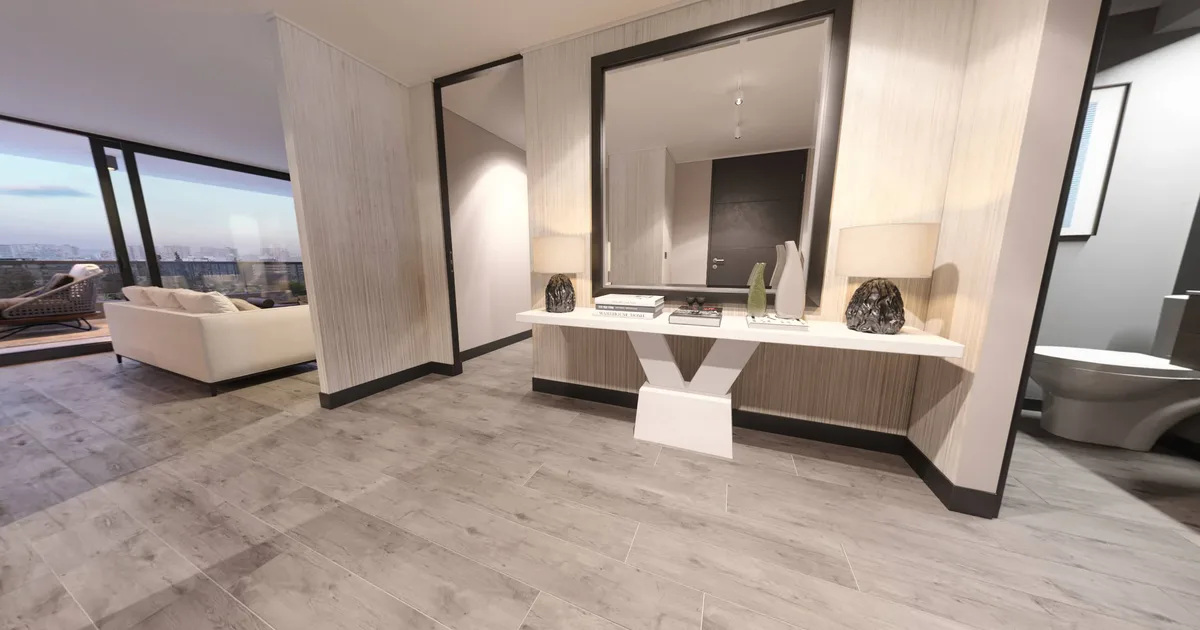
Selling homes before they’re built, or making the renders that sell them? Turn your 360° renders — up to 16K — into a tour buyers and clients can walk, in the browser or in VR, before a single wall goes up.
Developers & sales offices
Show buyers the apartment, the common areas and the view before any of it exists — on the sales-office tablet, in VR on a Meta Quest, or from a link you share.
CGI artists & architecture firms
Want to present your project better? Send one high-resolution tour instead of a folder of stills — with your own logo from Pro — and let clients walk a space that isn’t built yet.

- Panorama
- 2:1 equirectangular (a full 360° image, twice as wide as it is tall), or 1:1 top-bottom stereo (Pro and above)
- Formats
- JPG · PNG · TIFF · WebP, up to 16K (8K on the Free plan), up to 1 GB per file; not EXR/HDR
- From
- A 360° camera, or any render program that exports equirectangular
- Render settings
- Spherical (equirectangular) output, not a cube map; for stereo, top-bottom rather than side-by-side
- Stereo
- Real 3D depth in VR on a Meta Quest, right in the browser
Also for hotels, villa rentals and event venues: let guests walk through before they book.
For developers & CGI artistsGallery
Example spaces
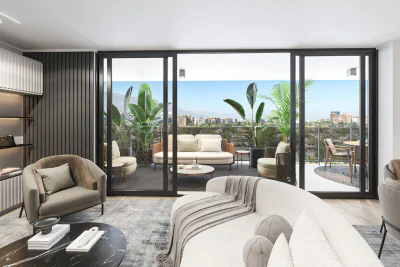
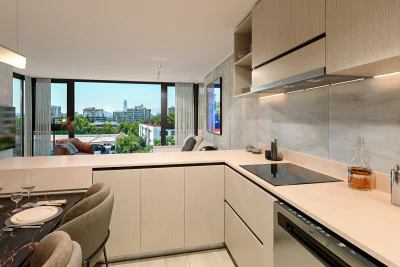
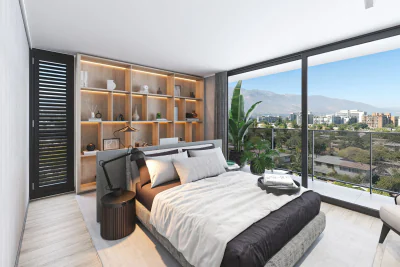
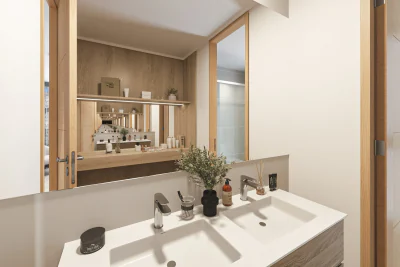
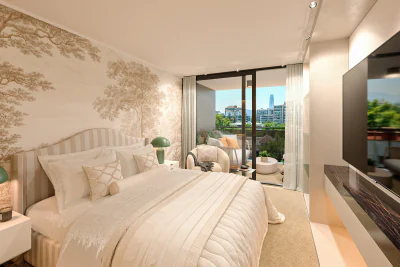
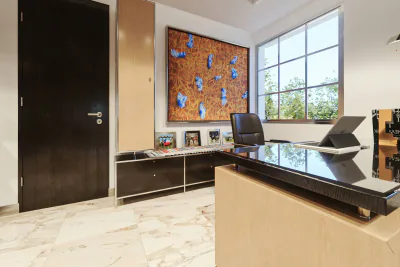
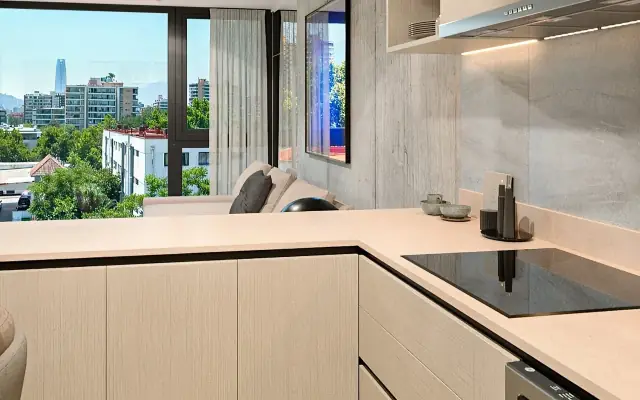
Living rooms, kitchens, bedrooms, bathrooms, hotel rooms and offices — the spaces buyers and guests want to see before they visit.
Pricing
Plans, in plain terms
Sharing, the embed code, transition points, info points and VR are on every plan. Paid plans add more scenes and your own brand; Office adds 5 users who post as up to 5 brand profiles.
Free
$0
Free account
30 scenes, 8K images, share link and embed code, VR. Prewalk badge on shared tours.
Start free- For agents & CGI artists
Pro
$15/mo, billed yearly
$19 month-to-month
500 scenes, 16K images and stereo VR, your logo instead of the badge, Get in touch, password-protected tours, tour sound.
Start with Pro - For offices & studios
Office
$39/mo, billed yearly
$49 month-to-month
3,000 scenes, 5 users posting as up to 5 brands, detailed analytics, your own domain for links and embeds.
Start with Office - For large teams
Enterprise
From $149/mo
Contact us about your setup
Custom limits, white-label viewer, multiple domains and an API, priority processing and an SLA.
Contact sales
Prices in USD. Pay yearly and save about 20%.
Compare every planGuides
Notes on 360° tours
Short guides on how 360° tours work and how to use them to sell.
- Basics
What is a 360° virtual tour?
- Basics
8K or 16K — which resolution do you actually need?
- Developers
Using a 360° tour in pre-sale

FAQ
A few quick answers
Can buyers open a tour on a phone?
Yes. It runs in the browser: a blurred preview appears first, then the part being looked at sharpens, tile by tile.
Where can I share a tour?
Anywhere you can paste a link — your listing, WhatsApp, an email or a social post. On WhatsApp and LinkedIn it shows a preview image. Every plan also includes an embed code for your own website.
Does it work in VR?
Yes, on every plan: open the tour in the browser on a Meta Quest. Regular (mono) 360° photos and renders appear flat in VR; for real 3D depth, upload top-bottom stereo renders on Pro and above. On paid plans, VR is prepared right after you upload; on the Free plan, it’s prepared when first opened in VR, so the first time takes a short wait.
Which files can I upload?
360° photos or renders as 2:1 equirectangular panoramas in JPG, PNG, TIFF or WebP, up to 1 GB per file: up to 8K (8192 × 4096) on the Free plan and 16K (16384 × 8192) on Pro and above. On Pro and above you can also upload 1:1 top-bottom stereo up to 16384 × 16384, and 16K TIFF — including 8-bit 16K stereo TIFF. Cube maps, EXR/HDR and side-by-side stereo aren’t supported.
Your next home, ready to walk through.
Start free, or request a demo — we’ll reply by email to set up a 30-minute live demo.