8K or 16K — which resolution do you actually need?
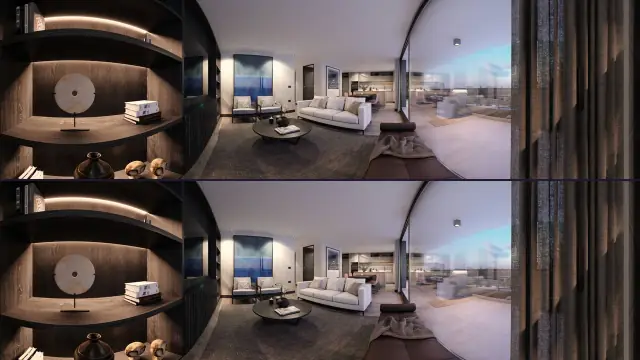
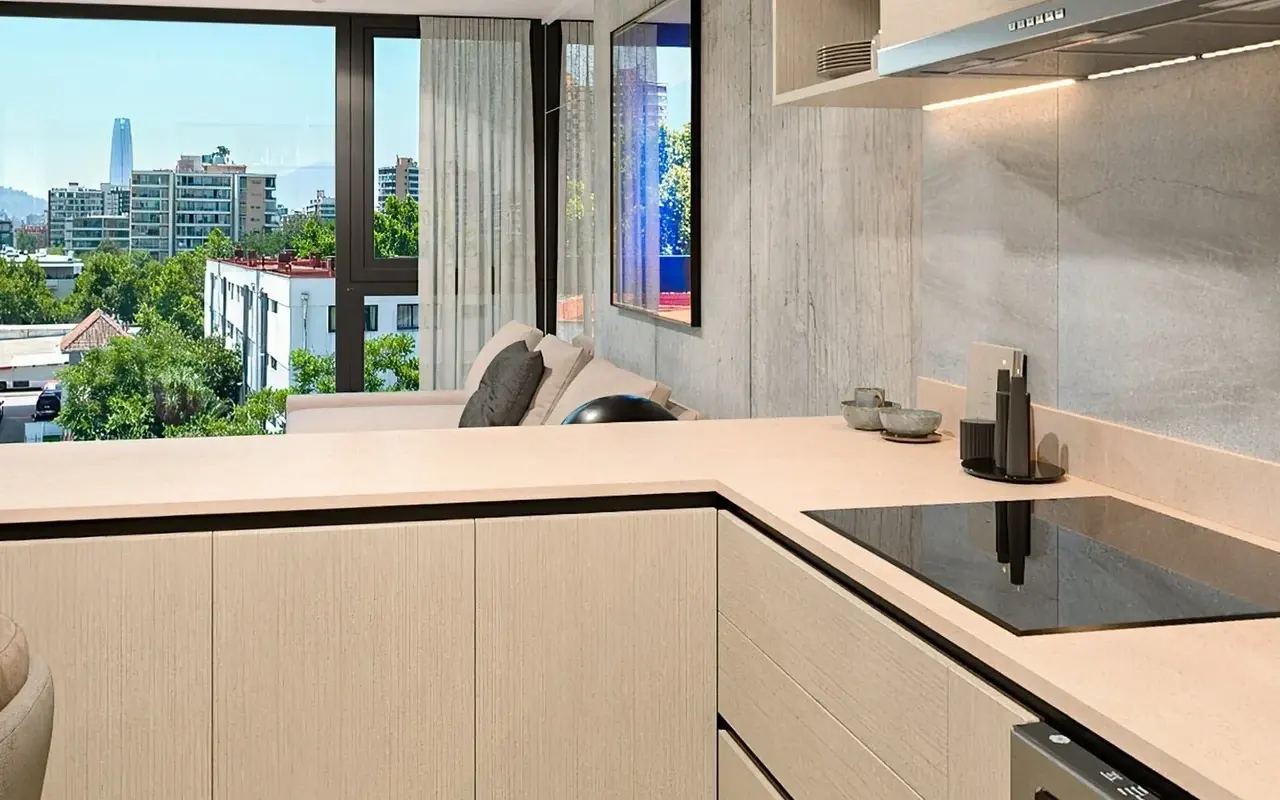
In a 360° panorama, resolution decides how much detail survives a zoom. An 8K render (roughly 8,000 pixels wide) looks sharp at a normal viewing distance, but zoom in on a light switch or a tile pattern and it can start to blur. A 16K render holds far more detail in the same zoomed-in view, because there are simply more pixels describing that same section of wall.
The tradeoff is file size and loading speed — a 16K panorama is a very large image, and loading all of it at once would be slow on any connection, especially on a phone. Prewalk handles this by tiling the image into smaller pieces and only loading the detail for the section of the panorama someone is actually looking at, so a 16K tour can still open quickly on a phone.
As a rule of thumb: if the tour is mainly for a quick walkthrough or approval, 8K is usually enough. If viewers are likely to zoom into finishes, materials or small details — which is common in pre-sale or design-review tours — 16K gives noticeably more room before the image starts to blur. Prewalk also caps zoom at the point where an image would start looking soft, so a tour never zooms in past what the resolution can actually support.
On Prewalk you can upload up to 8K on the Free plan and up to 16K on Pro and above.