How to get a 360° render made
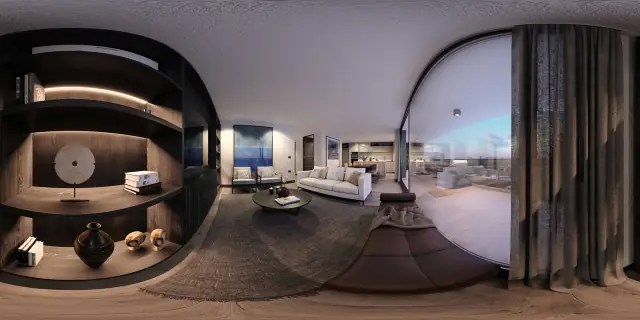
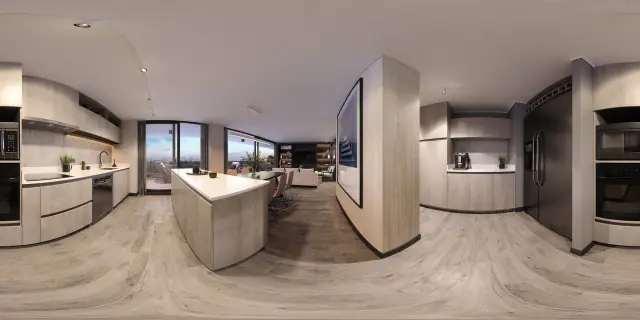
A 360° render is produced the same way a normal architectural render is — by setting up a 3D scene in your render program — but exported as a spherical (equirectangular) panorama: a 2:1 image, twice as wide as it is tall.
Most mainstream render engines already support a 360° camera or panorama output option — it's usually a checkbox or a camera-type setting rather than a separate workflow. The render itself takes longer than a single still, since the engine is calculating light and reflections across the entire sphere, not just the frame in front of one camera.
Once you have that panorama file, it's ready to become a tour. Prewalk's supported formats are standard 2:1 equirectangular renders (and 360° camera photos), in JPG, PNG, TIFF or WebP, up to 16K resolution (8K on the Free plan).