360° photos vs 3D scans: which do you need?
"Is this a 3D scan?" is a question agents often ask about a virtual tour. The honest answer is: partly. A 3D scan and a 360° photo tour both let a buyer look around a home from a phone. They differ in what they capture, how long it takes and what they cost to keep online. Here is the difference, so you can choose the right one for the listing in front of you.
What a 3D scan does
A scanning camera, or a phone with a depth sensor, measures the space as it captures it. The result is a 3D model: the walk-through view, a "dollhouse" view of the whole building, a generated floor plan and measurements you can read off the model. The scan decides where you can stand; you move between capture points the software placed.
That is powerful for documentation. Insurers, builders and facility managers use scans because the model is measurable. It takes longer per home, because the scanner needs many capture points a few steps apart, and the model is hosted by the scanning service, usually for a monthly fee per model.
What a 360° photo tour does
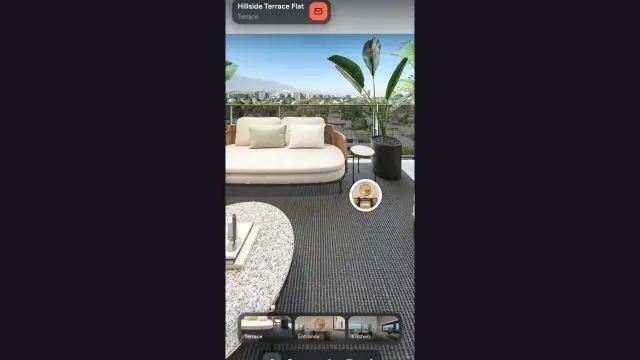
A 360° camera takes one full-sphere photo per room in a few seconds. You upload the photos, place a hotspot in each doorway, and the tour is ready. There is no 3D model: no dollhouse, no measurements, no generated floor plan. What there is: the actual rooms, in the light you shot them in, at the resolution of a still photo, which is higher than most scan textures. You decide where the viewpoints are and how rooms connect.
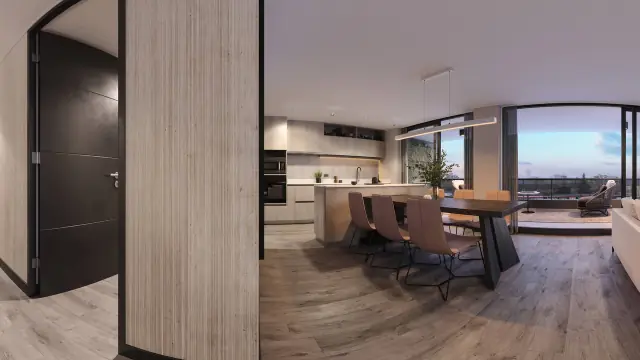
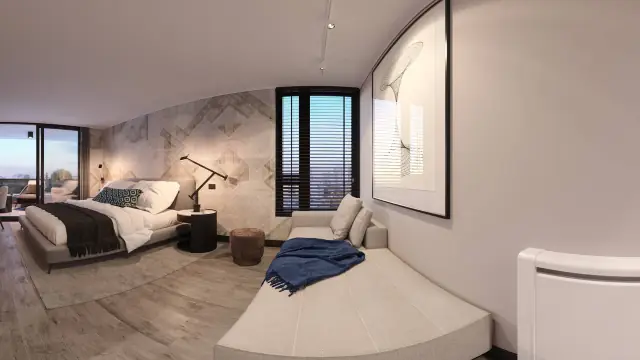
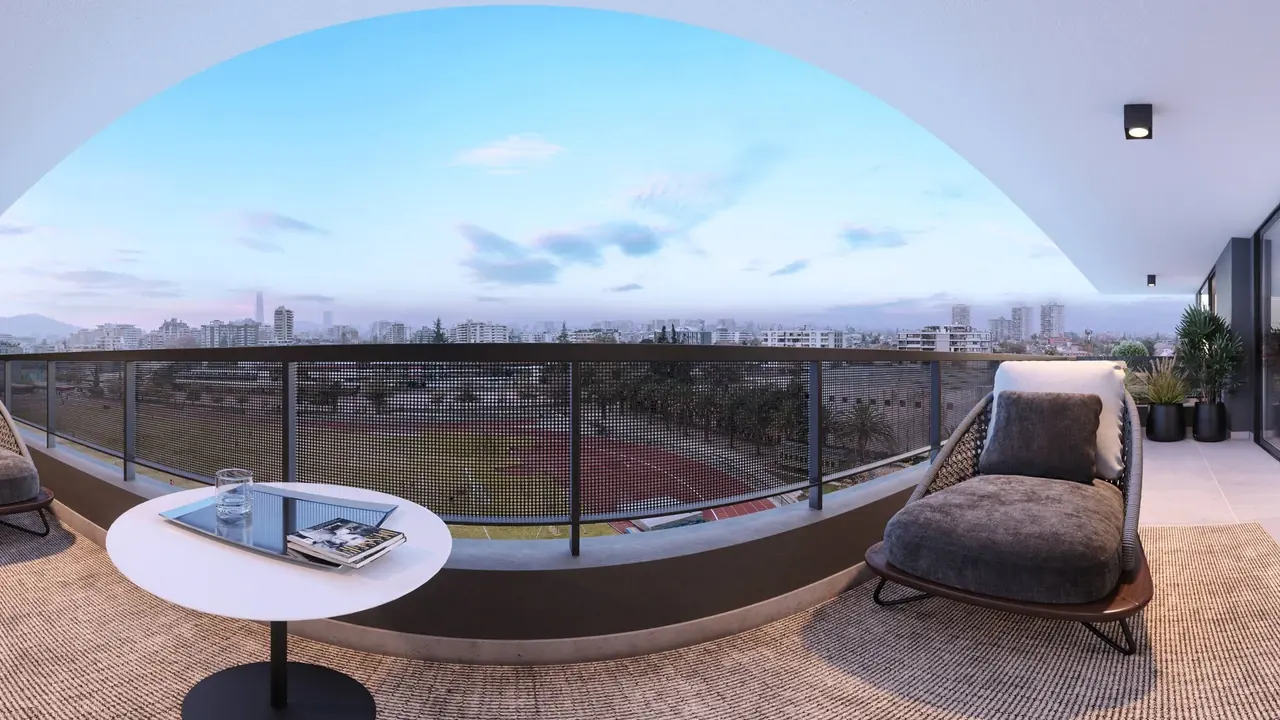
It also works for spaces that do not exist yet. A render exported as a 360° panorama goes into the same tour, which is why developers and visualization studios use photo tours for pre-sale. A scanner cannot scan a building that is not built.
Side by side
| 360° photo tour | 3D scan | |
|---|---|---|
| Capture per home | One shot per room, about 20 minutes | Many capture points, often an hour or more |
| Equipment | Any 360° camera, from entry level up | A scanning camera or a supported phone |
| Output | Rooms you walk between, at full photo resolution | A 3D model with dollhouse view, floor plan and measurements |
| Unbuilt spaces | Yes, from renders | No |
| Viewpoints | Where you placed the camera | Where the scanner stopped |
| Hosting | Flat plan with a scene allowance | Usually a fee per active model |
| Best for | Listings, rentals, hotels, pre-sale, portfolios | Documentation, construction, insurance, complex floor plans |
When a 360° tour is enough
- A listing. Buyers want to see the rooms, the light and the finishes, and know the layout. A 360° tour does that, and the floor plan you already have can be added as an image with pins that open each room.
- Rentals and hotels. One tour per unit or room type, shot in twenty minutes, embedded on the booking page.
- Pre-sale. The only option, since there is nothing to scan.
- A portfolio. Agents and studios showing work, not measuring it.
- Anything you shoot often. The time per home is the difference between doing it for every listing and doing it for a few.
When you need a scan
- Measurements are the deliverable. A renovation quote, a fit-out, an insurance record.
- The floor plan must be generated, not drawn. Large or irregular buildings where drawing a plan would take longer than scanning.
- The client asked for a dollhouse. Some commercial clients expect it.
- Continuous documentation of a site over time.
Neither tool replaces the other. Many offices shoot 360° tours for every listing and order a scan for the handful that need a measured model.
Cost and time, honestly
Exact prices change, so compare the shape of the costs rather than the numbers. A scan costs scanner hardware or a per-scan service, plus a recurring fee for each model that stays online. A 360° tour costs a camera once and a flat plan with a scene allowance: on Prewalk, the Free plan covers a few homes at a time and paid plans scale by scene count, with prices on the pricing page. In time, a scan is an appointment; a 360° shoot fits between two viewings.
What Prewalk does not do
To be clear about the limits: Prewalk does not build a 3D model, does not generate a floor plan from photos, does not measure rooms and does not show a dollhouse. It shows the home as photographed or rendered, lets you connect the rooms, and gives you a link, an embed and a QR code. If a measured model is what the job needs, use a scanner.
Try it on one listing
Shoot one home with a 360° camera, or export a 360° render of one apartment, and build a tour on the Free plan. Your first tour in 10 minutes walks through it. Send the link to a buyer and watch what they say about it; that is the only comparison that matters for your listings.