How to shoot a home with a 360° camera
You don't need a studio. A 360° camera, a stand and a tidy home get you most of the way. This guide expands the six shooting tips from the real estate page into a routine you can repeat in every home, and ends with a shot list you can copy.
What you need
- A 360° camera. Any camera whose app exports a full 2:1 equirectangular JPG works with Prewalk. Well-known examples are the Ricoh Theta range, the Insta360 X range and the GoPro Max. If you are choosing one, read the buying guide.
- A monopod or light stand. Thin is better: the camera stitches the two lenses together and a thin stand mostly disappears underneath.
- Your phone, with the camera's app. You use it as the remote shutter and, later, to export the files.
Before you shoot
- Lights on, doors open. Turn on every light, open interior doors and blinds, and move clutter out of sight. Close the toilet lid.
- Plan the route. Walk the home once and decide the order: entrance, living room, kitchen, hallway, bedrooms, bathrooms, balcony. This becomes the order of scenes in the tour.
- Shoot in daylight. Mid-morning to mid-afternoon usually gives even light without harsh sun through the windows.
Shooting each room
- Place the camera near the middle of the room, about 1.5 m (5 ft) off the floor. That is roughly eye height for a seated-to-standing visitor and keeps furniture in proportion.
- Level the camera. Use the bubble level in the app or on the stand. Prewalk does not correct a tilted horizon, so a crooked shot stays crooked.
- Turn on HDR if your camera has it. Rooms with bright windows need it: without HDR the window burns out or the room goes dark.
- Step out of the shot. Start the timer or the remote shutter in the app, then leave the room or hide behind a door. In a small bathroom, stand in the doorway on the far side from the lenses.
- Check the shot on your phone before moving on. Look for your own reflection in mirrors and glass, and for the stand's shadow.
The doorway shot
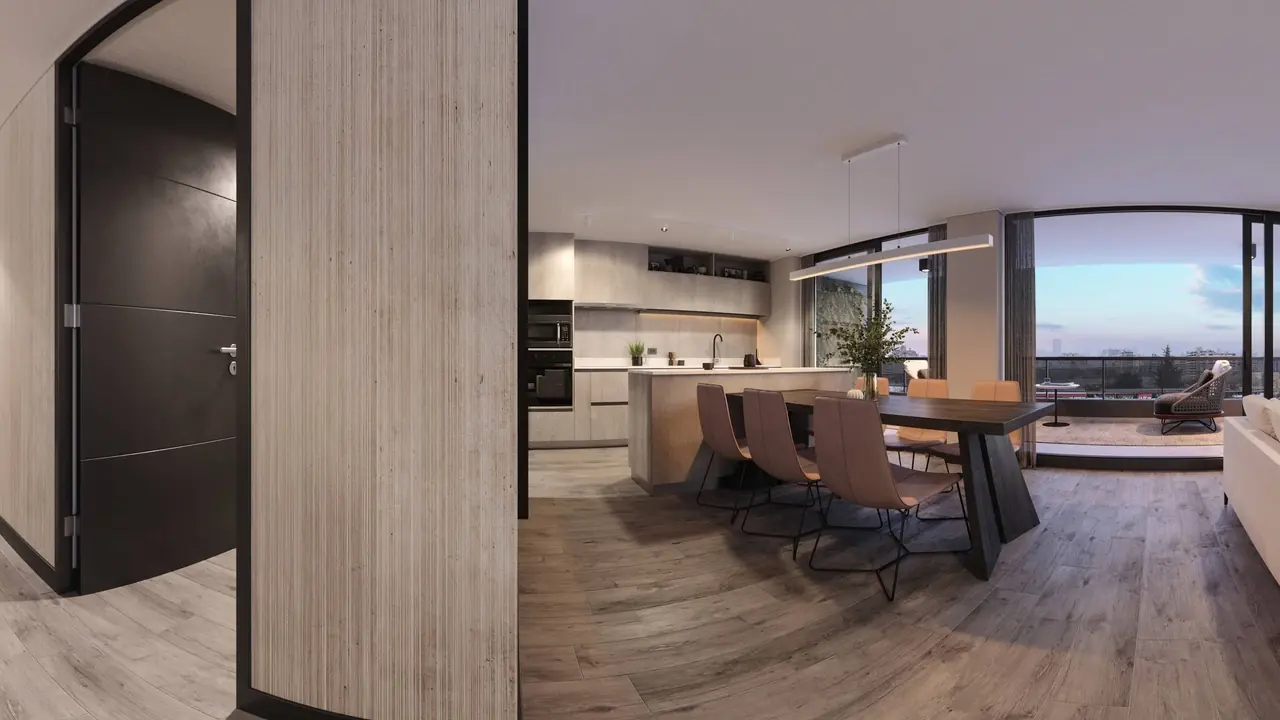
One photo per room is the minimum. Rooms connect naturally when there is also a scene in the hallway and at doorways that join two rooms. Stand the camera in the doorway or just inside it, facing along the natural walking line. When you link the rooms later, these scenes are where the hotspots go.
File naming
Name the files before you upload. The file name becomes the scene name in the studio, so 02-living-room.jpg shows up as "02 living room" and the numbers keep the order. A minute of renaming saves ten minutes of dragging scenes around.
Export the full 360°
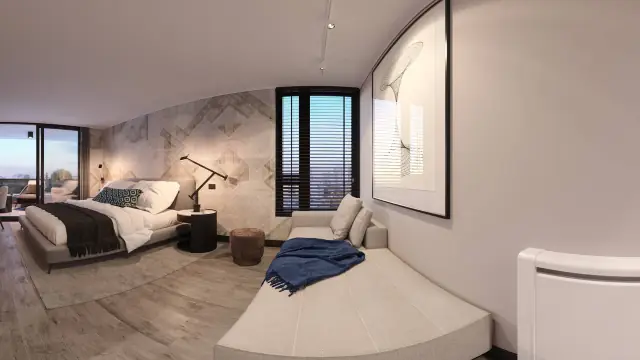
Export each photo from the camera app as the full 360° image: a 2:1 equirectangular JPG, twice as wide as it is tall. Do not export a "flat", cropped, "little planet" or video version. Those are rejected on upload with a message that shows the file's size.
On the Free plan images up to 8K (8192 × 4096) are accepted. Pro and above accept up to 16K. Most consumer 360° cameras export 5.7K to 8K stills, which Free accepts; an 11K camera needs Pro or above.
Sample shot list: two-bedroom flat
| # | Scene | Where to stand |
|---|---|---|
| 1 | Entrance | Just inside the front door |
| 2 | Hallway | Where the hall meets the living room |
| 3 | Living room | Middle of the room |
| 4 | Kitchen | Middle, or in the doorway if small |
| 5 | Balcony or view | Doorway to the balcony, facing out |
| 6 | Bedroom 1 | Middle of the room |
| 7 | Bedroom 2 | Middle of the room |
| 8 | Bathroom | Doorway, lenses facing in |
Eight to ten scenes, about twenty minutes on site. Add a scene for a second bathroom, a study or a long corridor.
After shooting
- Export all files and put them in one folder.
- Open the studio, create a project and a tour, and drop all the files in at once. Scenes open as they are ready.
- Link the rooms following Linking rooms: hotspots, opening view and the start scene.
Common mistakes
- Camera too high or too low. Tables look like walls at 1 m; at 2 m visitors feel like they are on a ladder.
- Tripod with three wide legs. It shows in the floor of every scene. Use a monopod or a light stand.
- Shooting with the stand in the doorway, then linking from the middle of the room. Keep the camera where the hotspot will be.
- Mixed export settings. One scene at full 360°, another as a "flat" export. Only the full panorama is accepted.