Write a title, description and tags that get found
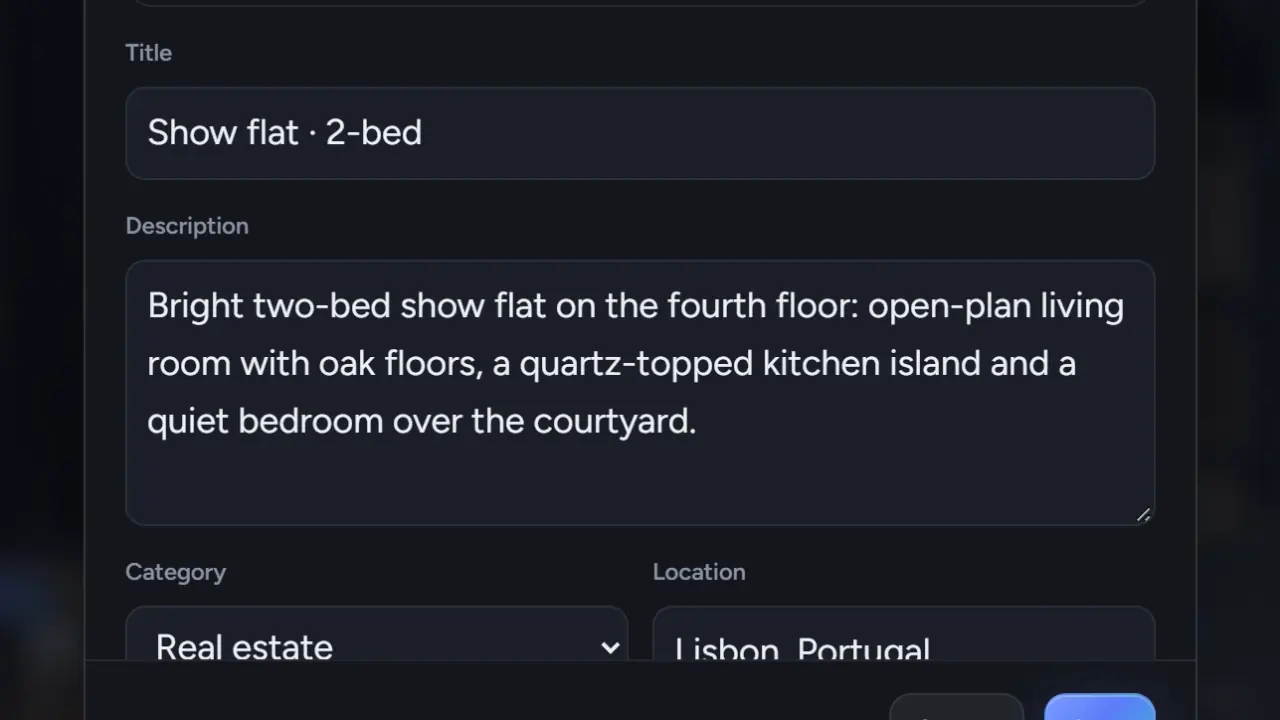
The Publish dialog has six text fields. They decide how your tour reads on your profile, in Explore and in a search engine's results. Five minutes here is worth more than an extra hotspot. The same fields exist in a project's Details box.
Title
Up to 100 characters. The pattern that works: what · where · type.
- "Harbor View · Karşıyaka · 2-bed show flat"
- "Villa Aurora · Bodrum · exterior and pool"
- "Loft 4B · Kreuzberg · furnished rental"
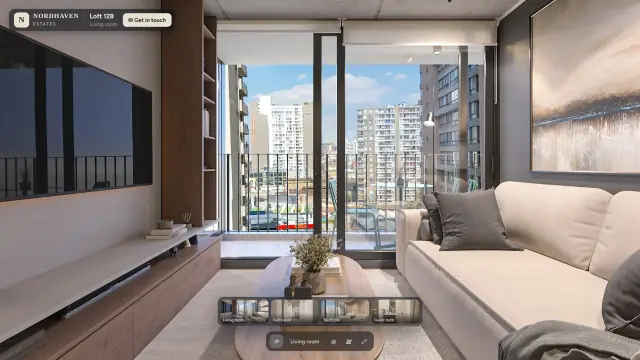
The title appears on the card in Explore, at the top of the player and in the browser tab. Put the property name first, because that is what gets cut off last on a phone. Avoid all capitals, exclamation marks and words like "amazing".
Description
Up to 2,000 characters for a tour, 5,000 for a project. Answer three questions in plain sentences:
- What is it? Type, size, state: "A two-bedroom apartment on the fourth floor, finished in 2026."
- Where is it? Neighborhood and what is nearby.
- What should visitors look at? "Start in the living room and walk to the terrace for the sea view."
Prices, areas and room counts are fine to write here. They are your content; Prewalk does not display, search or filter them separately, and it does not add listing fields. If you want them visible, put them in the description.
The description shows on the public post page, in the player's About this tour panel and in the preview text when the link is shared.
Category
One category is required. Choose the one visitors would browse:
- Real estate: homes for sale or rent.
- Hospitality: hotels, rentals, serviced apartments.
- Architecture: buildings and projects, built or unbuilt.
- Interior design: finished interiors, concepts, showrooms of interiors.
- Venues: event spaces, offices, showrooms, retail.
- Other: anything else.
Each category has its own Explore page, prewalk.co/explore/real-estate and so on.
Location
"City, country", up to 80 characters: "Izmir, Turkey", "Lisbon, Portugal". Location is searchable, and appears on the card. Do not write the street address of a private home here; the description is the place for anything more specific, and only if the owner agrees.
Tags
Up to 10, separated by commas, lower-case: sea-view, new-build, 2-bed, furnished. Tags are searchable, and each tag has an Explore page at prewalk.co/explore/tag/sea-view. A tag page is listed by search engines once it has enough content, so common tags help more than invented ones. Tag what the space is, not what you hope: "sea-view" if there is a sea view.
Address
For a public tour you choose the last part of its address: prewalk.co/@you/harbor-view-show-flat. Lower-case letters, numbers and hyphens. Make it readable, because it is what appears in search results and in messages. A few words are reserved (projects, credits, followers, following, saved, about, p).
Comments
Allow comments is on by default. Turn it off per tour for client work, or if you prefer to be reached through Get in touch.
What search covers
Search on Prewalk looks at names, usernames, locations, tags and titles. It does not read descriptions. So anything that must be findable belongs in the title, the location or a tag.
Common mistakes
- A title that is only the room: "Living room". The tour is the home.
- The description left empty. The post page and the preview text then show nothing.
- Ten tags with one word each repeated in variations. Five good tags beat ten weak ones.
- Choosing "Other" because the right category "did not feel exact". Visitors browse the six; "Other" is the least visited.