What is a 360° photo?
A 360° photo is a single image file that captures everything you can see from one point, including what’s to your right, to your left, and behind you, plus the ceiling and the floor. It covers 360° horizontally and 180° vertically. The file looks like a flat picture, but it’s exactly twice as wide as it is tall (2:1). A 360° viewer wraps the file around the inside of a sphere, and you stand at the center and look in any direction you like.
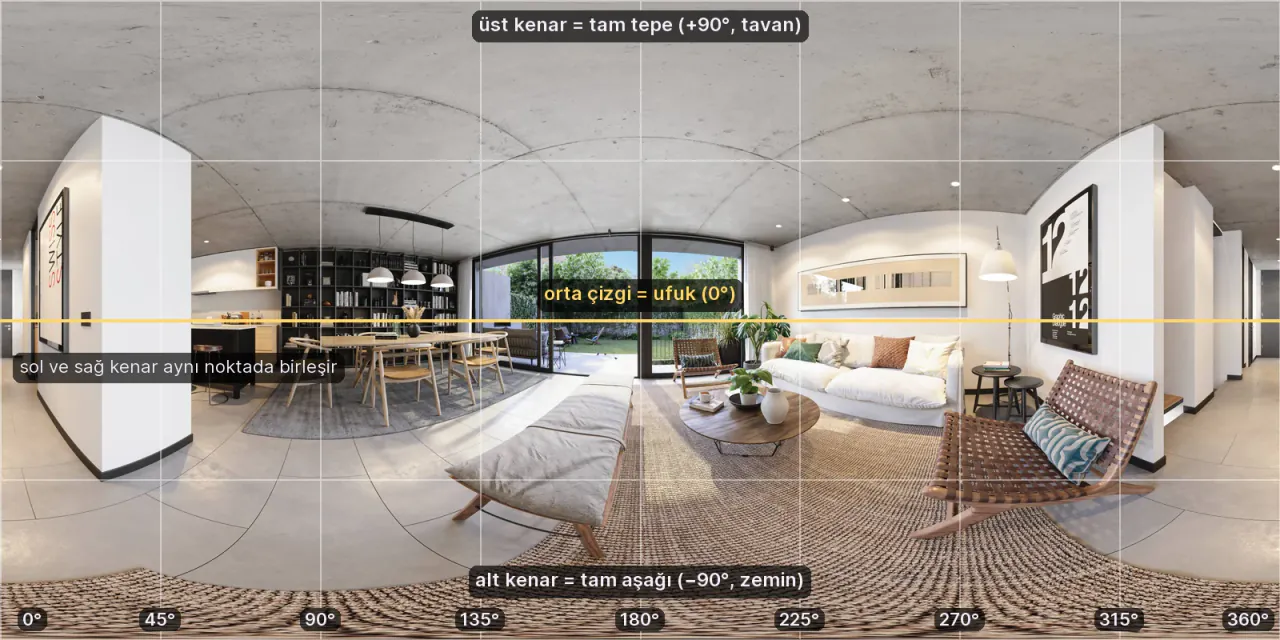
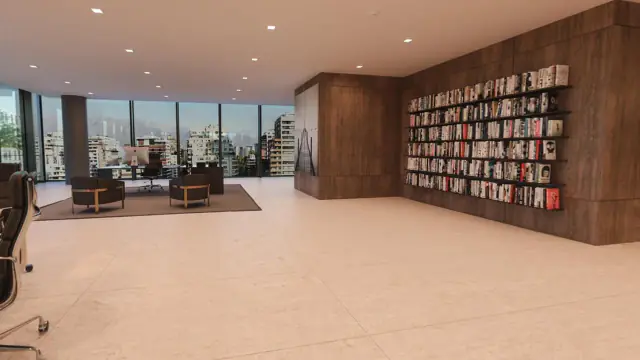
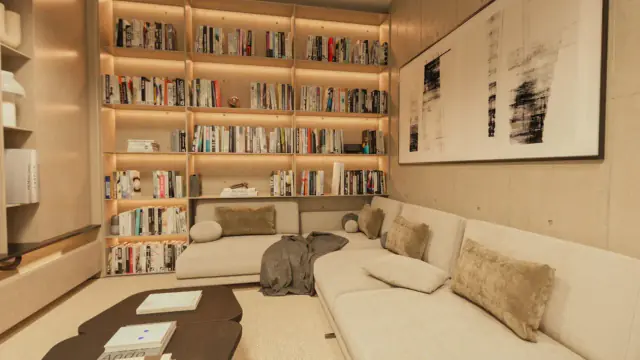
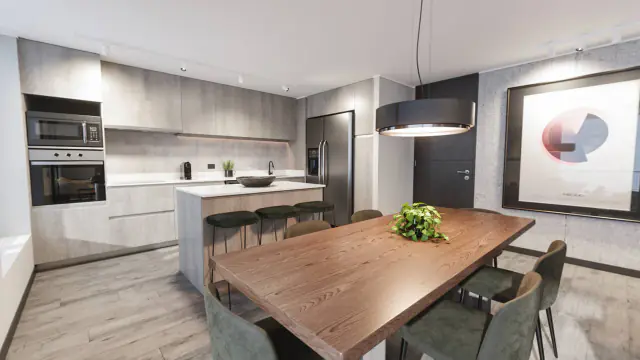
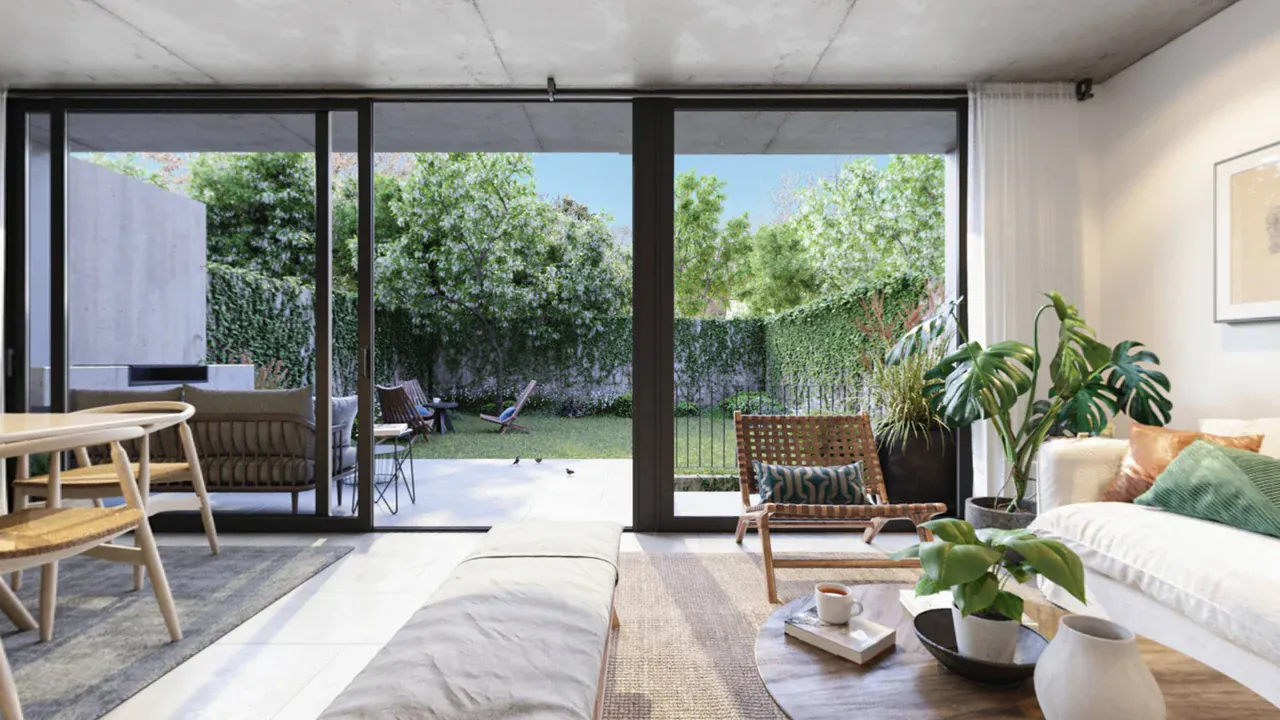
Tour note: Drag the image to look in every direction — right, left, ceiling, and floor are all in the same file.
Why does a 360° photo look “warped”?
When you unwrap a sphere onto a flat rectangle, the image gets distorted. It’s the same reason countries near the poles look so large on a world map. This way of unwrapping is called the equirectangular projection:
- Horizontal axis: shows the 360° around you, from left to right. The left and right edges are actually the same point.
- Vertical axis: shows the 180° from straight up (+90°) to straight down (−90°).
- Center line: the horizon. In a level 360° photo, it runs exactly through the middle.
That’s why walls and the ceiling look curved in the file. Open it in a viewer, and everything falls into place.
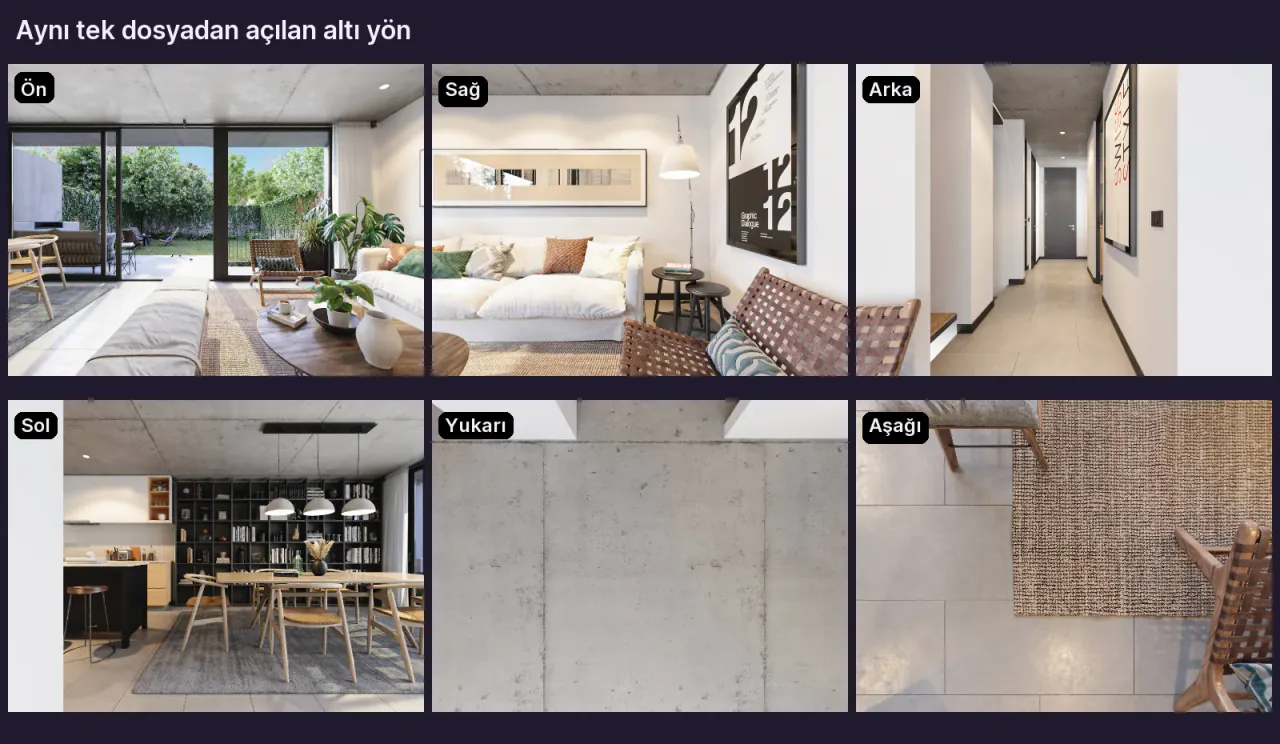
All six directions are inside a single 2:1 file. Depending on where you look, the viewer corrects the matching part of the file and displays it.
Is a 360° photo the same as a panorama?
No. Your phone’s panorama mode captures a horizontal strip as you turn on the spot. There’s no ceiling or floor, and the ratio is often 3:1 or wider. A 360° photo, on the other hand, is a full sphere. Google’s own technical documentation also defines a full sphere (360° × 180°) separately from a partial panorama.
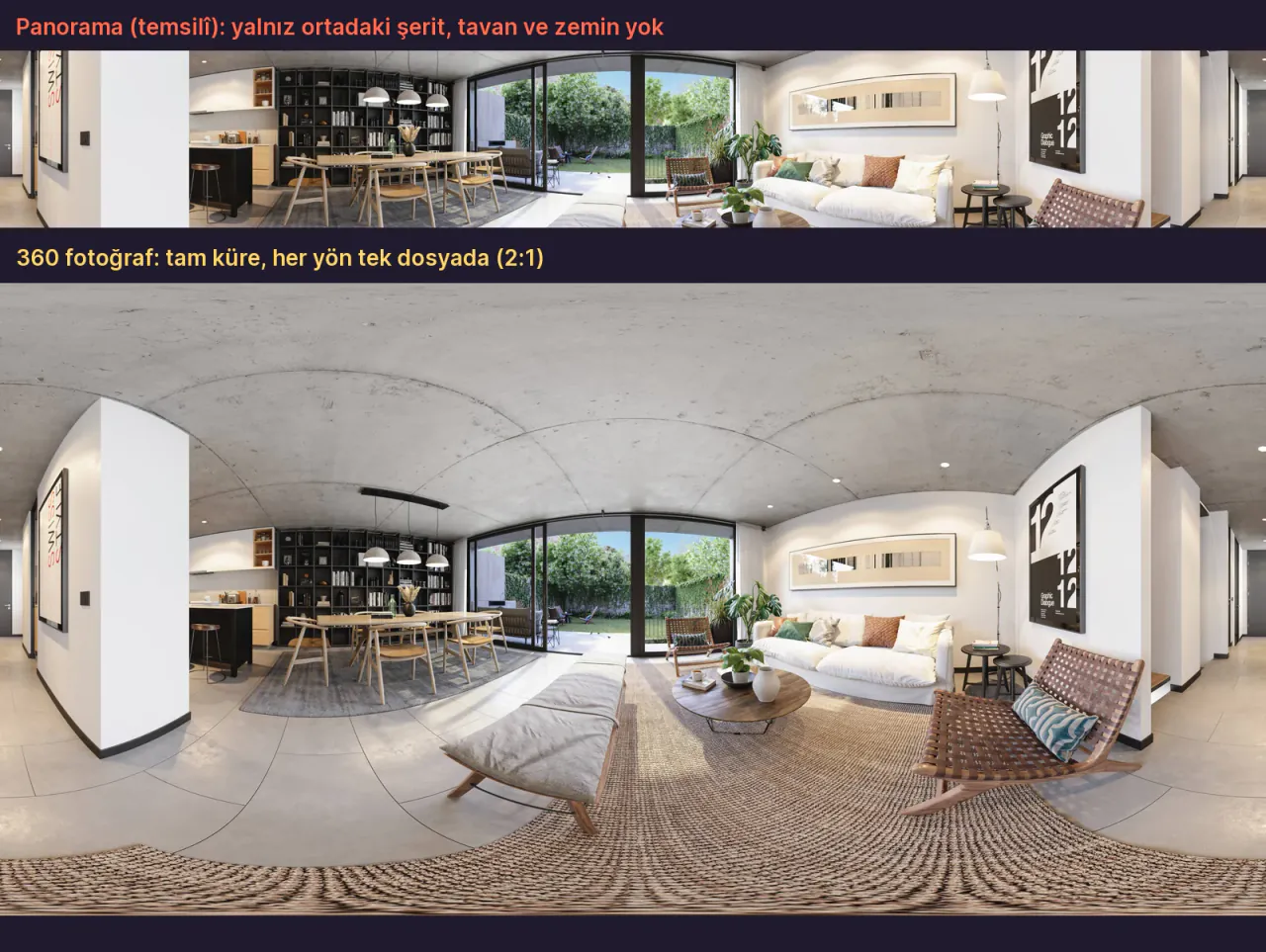
| Feature | Panorama | 360° photo |
|---|---|---|
| Coverage | A horizontal strip | Every direction: 360° × 180° |
| Ceiling and floor | No | Yes |
| Aspect ratio | Usually 3:1 or wider | Exactly 2:1 |
| In a viewer | A scrollable strip | A sphere you can look around in |
| Suitable for a virtual tour? | No | Yes |
How do you take a 360° photo?
There are three ways. Which one suits you depends on how much quality you want and how much time you can spend.
1. With a 360° camera (the easiest way)
360° cameras have two wide-angle lenses mounted back to back. According to Ricoh, each lens has a field of view wider than 180°, and the two images are stitched together in the camera or in the phone app into a single 360° image. One press of the shutter, and it’s done in a few seconds.
The photo resolution of some cameras, according to their manufacturers (as of November 2026):
| Camera | 360° photo resolution | Source |
|---|---|---|
| Insta360 X5 | 72 MP (11904 × 5952) | Insta360 user manual |
| Ricoh Theta X | ~60 MP (11008 × 5504) | Ricoh support page |
| Ricoh Theta Z1 | JPEG 6720 × 3360; can shoot RAW | Ricoh support page |
| GoPro MAX2 | 29 MP | GoPro product page |
HDR matters in interiors with windows. The Insta360 X5 has an HDR setting within its photo mode, and the Ricoh Theta X and Z1 offer HDR and exposure bracketing. If you’re choosing a camera for real estate shoots, the 360° camera buying guide compares the features one by one.
2. With a phone (limited)
A phone’s regular panorama mode doesn’t take 360° photos. Some phones and apps have a separate mode that captures a full sphere. In this mode, you turn the phone around a single point and stitch many frames together. For example, according to Google’s help page, the Photo Sphere mode in Google’s Pixel Camera app is only available on the Pixel 3 through the Pixel 7a.
Spheres shot with a phone often show stitching seams and soft detail. We explain when a phone is good enough in the article Can I make a 360° tour with my phone?
3. With a regular camera and a panoramic head (the highest quality)
Professional photographers shoot many overlapping frames with a regular camera and stitch them together in a program such as PTGui. According to PTGui, a clean stitch requires every frame to be taken from exactly the same viewpoint. Otherwise, you get parallax. That’s why the camera is rotated around the lens’s “no-parallax point,” using a special panoramic head. This method gives the highest quality, but it also takes the most time and effort.
4. There’s also rendering
360° images aren’t only made with cameras. For projects that haven’t been built yet, 360° images are created in 3D software as 360° renders. The file format is the same: 2:1 equirectangular. The sample images in this article were also made from renders. You’ll find how it’s done in How to get a 360° render made.
How do you view a 360° photo?
If you open the file in a regular image viewer, you see a warped, flat picture. To turn around inside it, you need a viewer that supports 360° images:
- The camera’s own app. The phone apps of 360° cameras show the photos you take interactively.
- Facebook. According to Facebook’s help page, 360° photos can be shared from the Facebook app for iOS and Android. Panoramas wider than 100° can also turn into 360° photos automatically.
- Google Maps. You can add a 360° photo of a place to Google Maps. Google’s requirements: at least 7.5 MP (3840 × 1920), a 2:1 ratio, no more than 75 MB, and no gaps around the horizon.
- Meta Quest. According to Meta’s documentation, the Quest browser can open immersive (WebXR) web experiences. So a 360° viewer that runs in the browser opens in the headset without installing an app.
- A virtual tour platform. Prewalk is a platform that turns 360° photos and renders into virtual tours. A 360° photo you upload to Prewalk opens from a single link in the browser on a phone, a computer, and a Meta Quest. You can link several photos with hotspots and turn them into a tour. You can try it right away in Prewalk Studio on the Free plan.
How can you tell whether a file is 360°? Google’s “Photo Sphere XMP” standard adds metadata such as GPano:ProjectionType = equirectangular to the image. Some apps look at this information to recognize a file as 360°. Prewalk, on the other hand, checks the aspect ratio: it doesn’t accept a file that isn’t 2:1.
What are 360° photos used for?
- Real estate: buyers or renters see a home room by room without going there.
- Architectural projects: an apartment that hasn’t been built yet can be walked through with 360° renders.
- Hotels, restaurants, stores: the atmosphere of a place is shared with a single link.
- Portfolios: photographers and 3D artists show their work as something you can walk through instead of a flat frame.
A single 360° photo shows one room. Link several together and you get a virtual tour. Our guide How to make a 360° virtual tour walks you through it step by step.
Frequently asked questions
What resolution should a 360° photo be? To look sharp on a phone and a computer, at least 5.7K (about 5760 × 2880) is a good starting point. If people will zoom in, 8K (8192 × 4096) or higher is better. On Prewalk, the Free plan accepts up to 8K, and Pro and above up to 16K.
Can I turn a regular photo into a 360° photo? No. If you crop a regular photo to 2:1, the ratio is right, but the content isn’t a sphere, and it looks stretched in a viewer.
What’s the difference between a 360° photo and a 360° video? The format is the same (a 2:1 sphere), but a video is made of many frames per second. Virtual tours are usually made with photos, because the same camera shoots photos at a higher resolution than video. For example, the Insta360 X5’s 360° photos are 11,904 pixels wide, while its video tops out at 8K.
Brand note: Insta360, RICOH THETA, GoPro, Google, Pixel, Google Maps, Facebook, Meta Quest, and PTGui are trademarks of their respective owners. This guide was prepared independently; Prewalk has no partnership with these companies, and this guide is not endorsed by them.
Sources
- Google, Photo Sphere XMP (GPano) metadata
- Google Maps, 360° photo upload requirements
- Google Pixel Camera Help, Photo Sphere
- Ricoh, equirectangular and dual-lens cameras
- Ricoh Theta X specifications
- Ricoh Theta Z1 specifications
- Insta360 X5 shooting specifications
- GoPro MAX2
- PTGui FAQ (parallax, panoramic head)
- Facebook Help, 360° photos
- Meta, the Quest browser and WebXR
Share: Share on X LinkedIn WhatsApp